One-Page vs Multi-Page Photography Website Guide
You’ve finally decided to build or redesign your photography site—exciting, right? But now the real question hits: should it be a simple one-page photography website or a multi-page structure?
It’s a dilemma many photographers face. A one-pager sounds convenient and sleek, while a multi-page layout can feel more involved. But your website isn’t just about aesthetics; it’s about function, growth, and how well it supports your goals
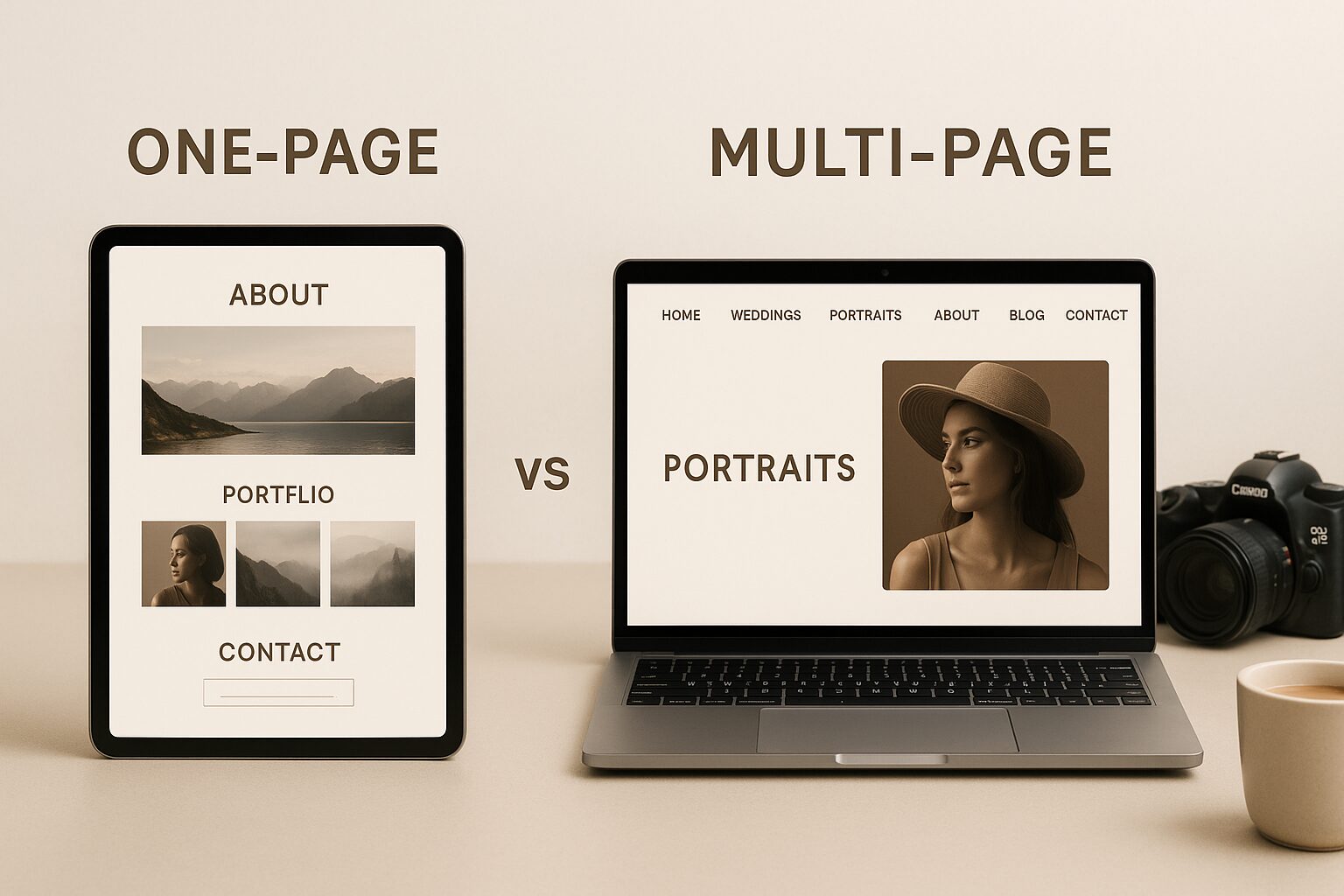
Why Multi-Page Layouts Usually Win for Photographers
Better SEO Opportunities
If your photography website is built to attract clients — not just look pretty — then SEO (Search Engine Optimization) matters. And this is where site structure guides shine.
Each individual page can be optimized for different keywords, such as “wedding photographer in New York” or “studio headshots.” Instead of cramming everything onto one page and hoping it ranks, multi-page sites let you create focused content for each of your services. This helps you show up in more searches and reach more of the right people.
Having dedicated service pages also improves how search engines understand your website structure — making it easier for Google to crawl, index, and rank your content. If SEO is a big part of your strategy, a multi-page photography website is the clear winner.
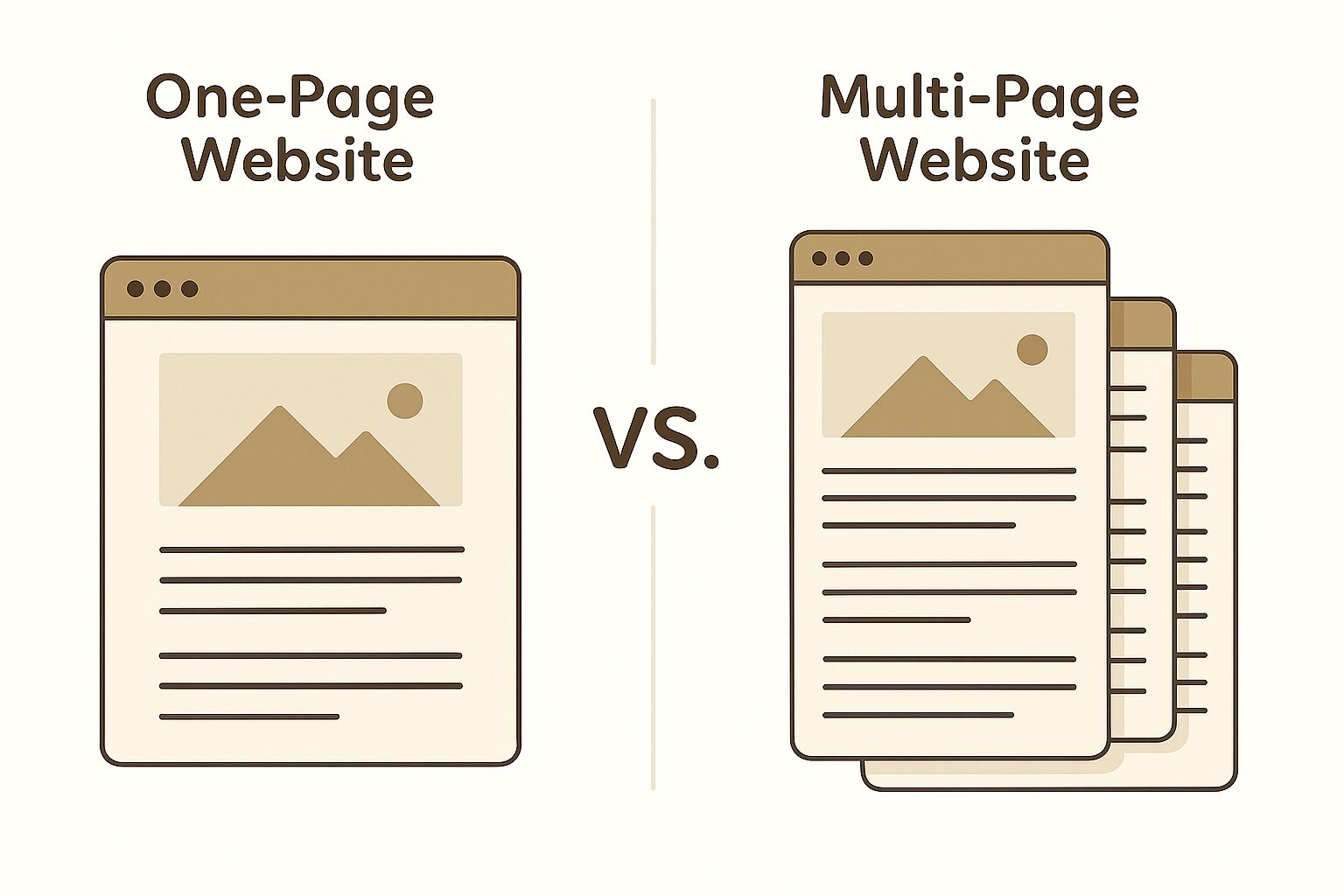
More Organized and User-Friendly
If your photography business offers more than one service — like weddings, portraits, branding sessions, or real estate — then clarity is key. A multi-page website lets you divide that content into clean, easy-to-navigate sections.
Instead of overwhelming visitors with a long scroll of mixed info, they can explore only what they care about. For example, a couple planning a wedding can go directly to your wedding portfolio and skip past everything else. It’s a better experience for them — and a better chance they’ll stick around and reach out.
Plus, separating your content by topic makes it easier to guide visitors through your site with intention, helping them understand what you do and how to take the next step. This structure makes for a more professional and best-in-class photography website layout.
Room to Showcase Services in Detail
Multi-page websites give you space to dive deeper into each photography service you offer. Instead of squeezing all your services into a few generic paragraphs, you can create dedicated pages for each — with personalized descriptions, sample galleries, testimonials, and FAQs.
This kind of tailored experience builds trust. A bride looking for a wedding photographer will feel more confident when she lands on a page that speaks directly to her needs, rather than scrolling through a general list.
It also gives you a chance to highlight your expertise in different areas without overwhelming your audience.
Scalability and Future Growth
One of the best things about a multi-page website is that it can grow with you. As your services expand, your website can too — without becoming cluttered or confusing.
Want to add a new service page for elopements? A page for drone photography? A blog section? No problem. Multi-page layouts make it easy to keep your content organized and your navigation clean, even as your business evolves.
This kind of flexibility is tough to achieve with a single-page layout, which can quickly feel crowded when too much is added.
Improved Analytics and Tracking
One underrated benefit of having a multi-page photography website is how much easier it becomes to understand what’s working — and what’s not.
Tools like Google Analytics let you track which pages visitors land on, how long they stay, what they click, and where they leave. This kind of insight helps you identify which services are getting attention, which galleries engage people the most, and where you might need to improve.
You simply don’t get this level of detail from a single-page site, where all the data blends together.
Higher Conversion and Marketing Flexibility
Multi-page websites give you a powerful edge when it comes to convert visitors into paying clients.
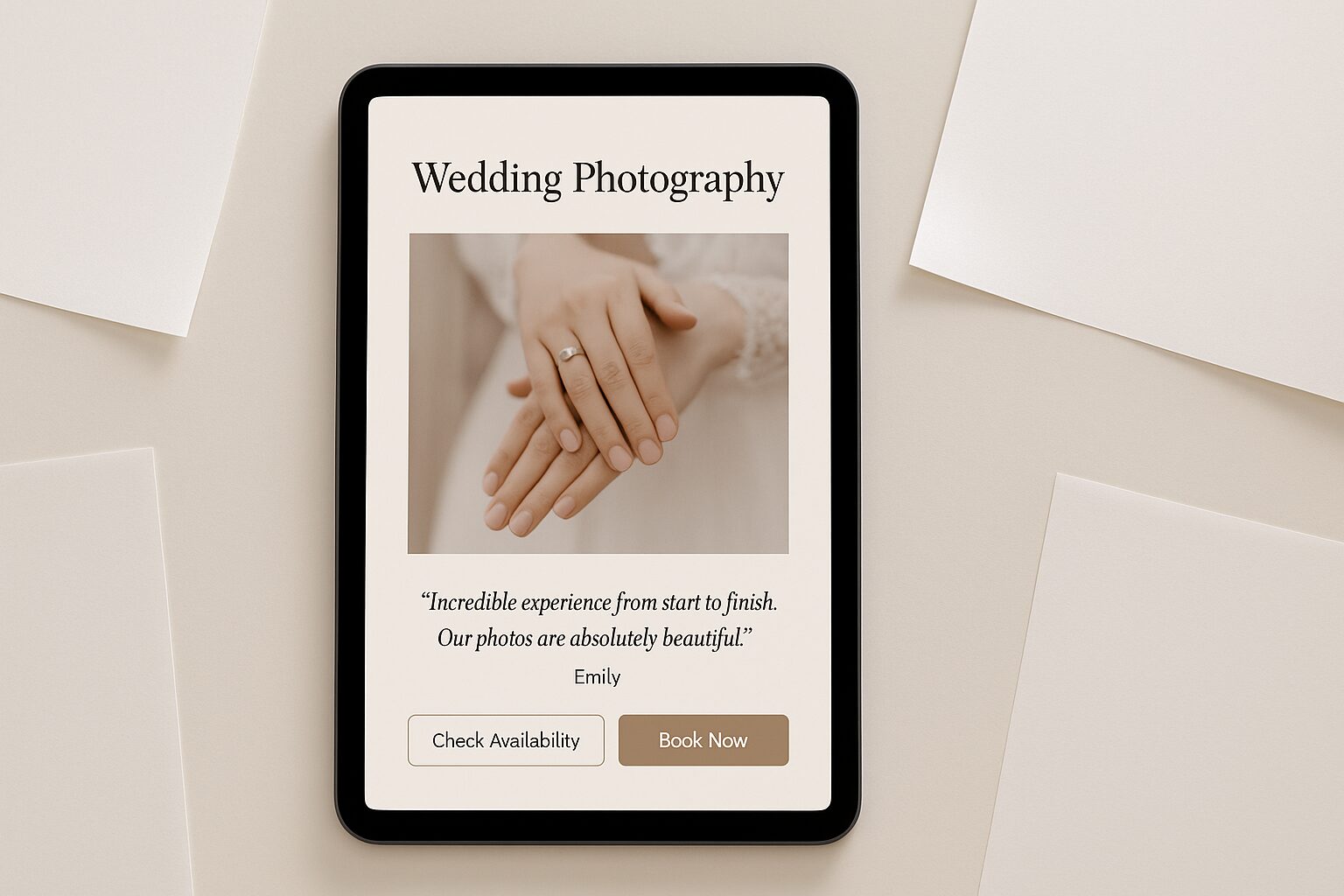
You can create targeted landing pages for each of your services, complete with messaging that speaks directly to that audience. For example, a page about wedding photography can include emotional testimonials, FAQs about wedding day logistics, and a clear CTA like “Check availability.”
This level of personalization is hard to do on a one-page site, where all your services compete for attention. Plus, if you’re running ads, you can direct visitors to the most relevant page — increasing your chances of turning clicks into bookings. This is why many agree it’s the best website design for photographers who are serious about growth.
When a One-Page Website Might Be Enough
Great for Simplicity
One-page websites can be a great choice for photographers who want a minimal online presence. Maybe you’re just starting out, or you simply want a space where people can quickly learn who you are,
They’re fast to build, easy to manage, and give visitors everything in one continuous scroll. For portfolio sites with a single focus — say, fine art photography or personal branding — a one-pager might be all you need. If you go this route, follow our One-Page Website SEO Checklist for Photographers to keep that single page ranking.
Best for Very Focused Services
If your business is centered around one core offering — like newborn photography or passport portraits — a one-page website can work beautifully. It gives potential clients just what they need: a glimpse of your style, a bit about who you are, and an easy way to contact you.
You don’t need multiple pages when your message is simple and your goals are straightforward. For those photographers who want to stay light, fast, and minimal, one-page designs can be both stylish and effective.
Which Layout Is Right for You?
Choose One-Page If…
You’re just starting out, only offer one service, or need something quick and simple. If SEO isn’t a top priority and you’re not worried about deep content or multiple keywords, a one-page photography website could be the way to go.
Choose Multi-Page If…
You want to rank on Google, showcase multiple services, grow your brand over time, and invest in a photography website design that truly supports your long-term goals. It’s the better option for photographers who want to build a site that supports long-term marketing, SEO, and flexible content organization.
Final Thoughts
At the end of the day, it’s not about following trends — it’s about building a website that supports your goals and speaks to the clients you want to attract.
A one-page website can be elegant and effective when your needs are simple and focused. Just make sure you tick every SEO box with this one-page optimisation guide. But if you’re looking to grow your photography business, boost your SEO, and provide a tailored experience for different clients, a site structure guide is usually the better choice.
Whichever path you choose, make it intentional. Your website should grow with you, reflect your vision, and help you connect with the people you’re meant to serve.
Need clarity on your photography website?
Book a free 15-minute consultation
Schedule My Call